RealLink: Build Trust and Boost Click Rates by Up to 20%

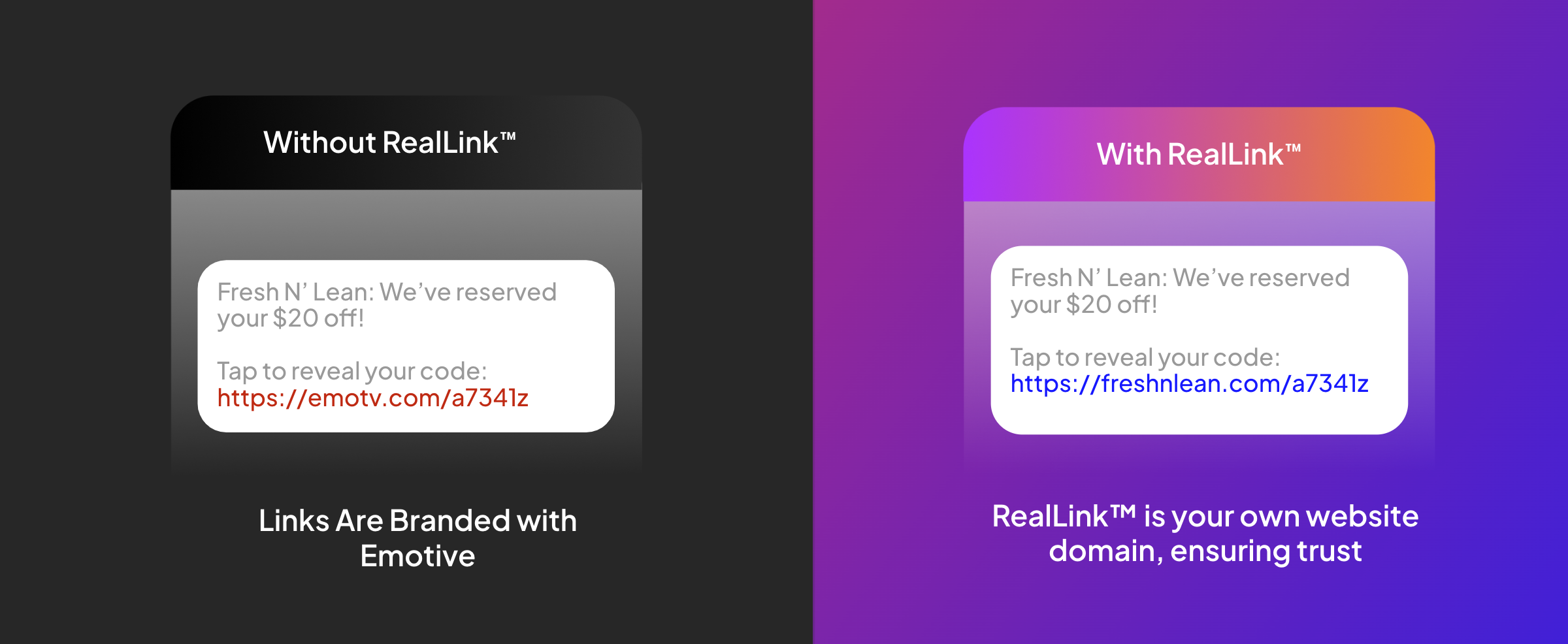
In a world where SMS spam is on the rise, it’s essential to give your customers confidence in every link they see. With RealLink™, you can now use your own trusted domain in messages—helping customers feel secure and boosting engagement rates by up to 20%! 🔒✨
Your messages. Your domain. More clicks.
Get ready for BFCM, stand out from the competition, and reach the inbox today! 📈💌
If you’re a Shopify brand, setup is a breeze—it takes less than a minute! ⏱️
How to get started
Login to Emotive (https://emotiveapp.co)
Go to https://emotiveapp.co/settings (scroll to the bottom of the page).
Click on “Activate RealLink”
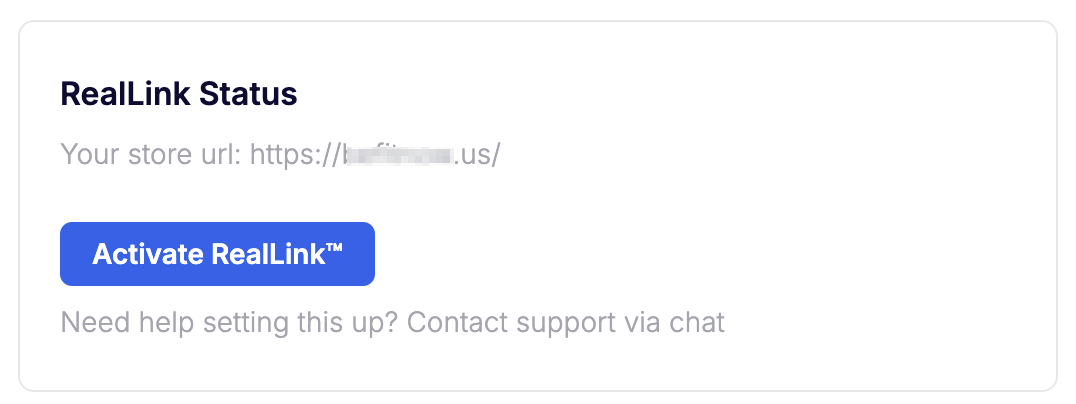
🎉 That’s it—you’re all set!
Want to double-check? Go to the Broadcast editor, send a test broadcast, and make sure everything works perfectly. 👍
Have questions? Our live chat is always here to help! 🗨️
🚨 Not on Shopify? No problem! Chat with us, and we’ll help get RealLink live for you in under 20 minutes!
🌟 Improvements You’ll Love!
Broadcasts 📲
Custom Timing: Schedule broadcasts at any time (like 10:10 AM or 4:33 PM). Beat the traffic and get better deliverability! 💪📅
Scheduling First: The Schedule option is now front and center, making it even easier to send the right message at the perfect time.
Better Table View: We’ve made the Broadcast table easier to understand for clicks, conversions, and unsubscribes. 📊
Popups 💥
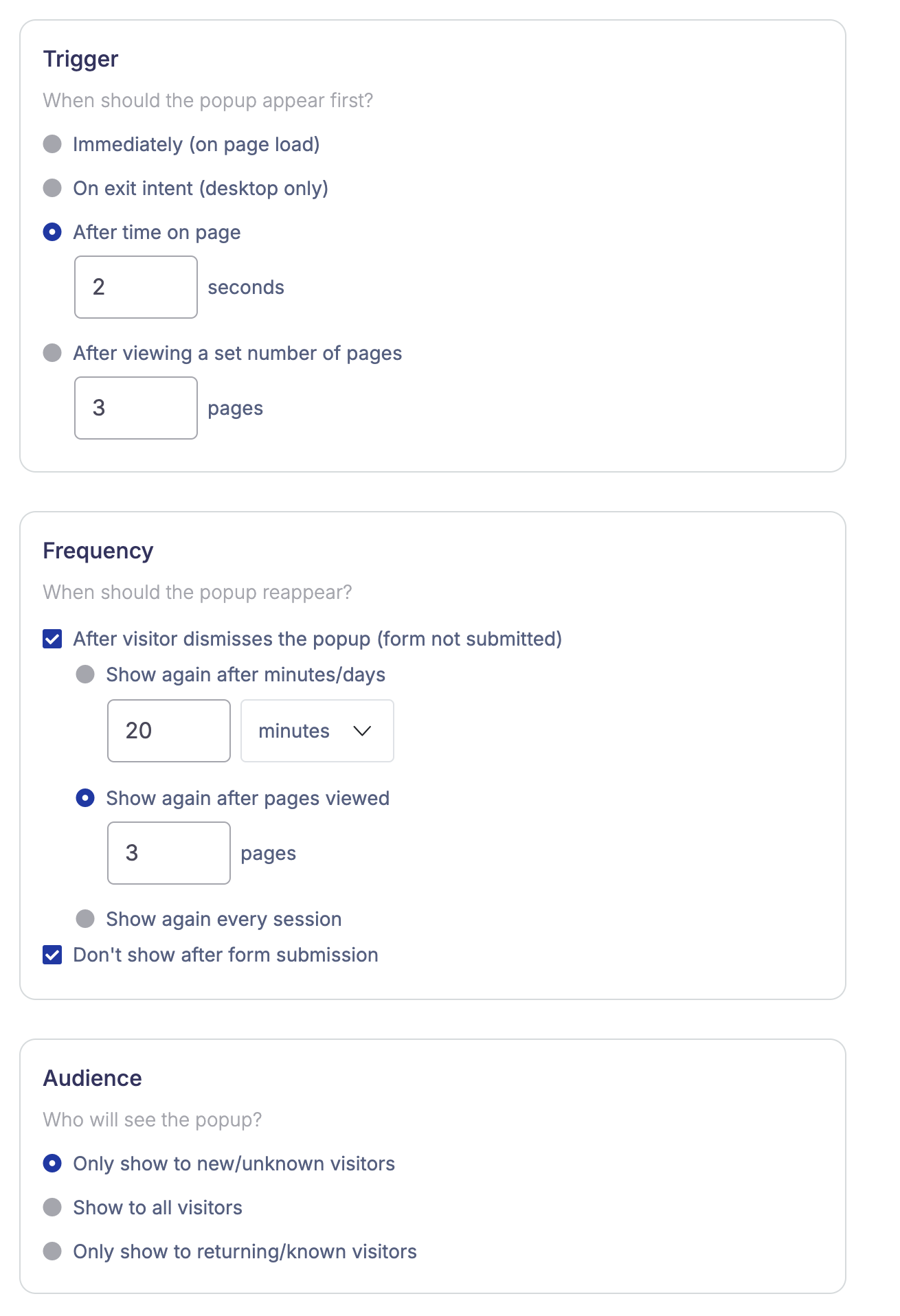
WebP Image Support: Speed matters! You can now upload WebP images for popups—up to 80% faster than PNGs. Try it out for a faster site experience! ⚡🌐 (Hint: Need help? Your SMS specialist can lend a hand!)
Coming Soon: Automatic WebP conversion for all popup images.
🔧 Fixes
Broadcasts 📲
The preview panel now keeps line breaks exactly as you crafted them. 📝
Variables now display correctly on phone view in draft status.
Flows 🔄
Metrics for flows with Conditional Splits are now working as expected.
🤩 Coming Soon
Exciting updates are on the horizon, like A/B Testing for Popups and Back-in-Stock Flows. Stay tuned!